Best To-Do List App for iPhone and Android: Our 2026 Picks
Choosing a to-do list app shouldn't require a research project. But with hundreds of options on both the App Store and Google Play — each claiming to be the one that finally fixes your productivity — finding the right fit takes more effort than it should.
The truth is that most to-do apps are decent at the basics: adding tasks, setting due dates, checking things off. Where they differ is in how they help you decide what to do next. A list of 50 tasks is useless if you still don't know which one matters most.
This roundup compares the best to-do list apps available on both iPhone and Android in 2026, evaluated on the criteria that actually affect daily productivity: ease of use, prioritization features, cross-platform sync, and value for the price.
What Makes a Great To-Do List App?
Before the comparison, here's what separates a great task app from a mediocre one:
- Fast capture — Adding a task should take seconds, not taps through multiple screens.
- Prioritization, not just listing — The app should help you decide what to work on, not just store what you need to do.
- Cross-platform availability — Your tasks should follow you between your phone and your computer without friction.
- Sensible free tier — The core experience should work without paying. Premium features should feel like genuine upgrades, not ransom for basic functionality.
- Reliability — Tasks shouldn't disappear. Sync shouldn't break. The app shouldn't crash on a Tuesday morning when you need it most.
With those criteria in mind, here are our picks.
Todoist — Best for List Lovers
Platforms: iOS, Android, Web, Mac, Windows, Linux Price: Free (5 projects) / Pro $5/mo / Business $8/user/mo
Todoist has been the default recommendation for years, and for good reason. It's polished, reliable, and available everywhere. The natural language input ("Meeting with Sarah tomorrow at 3pm #work") is the fastest task capture of any app on this list.
Strengths:
- Exceptionally fast task entry with natural language parsing
- Deep integration ecosystem (Google Calendar, Slack, Zapier, and dozens more)
- Powerful filters and label system for organizing complex task lists
- Available on every platform imaginable, with consistent design across all of them
- Collaborative features for shared projects
Limitations:
- Flat task lists don't inherently prioritize — you can set priority levels (P1-P4), but they're manual labels, not a framework
- The free tier's 5-project limit can feel restrictive
- No built-in prioritization framework — it's a list manager, not a priority manager
- Can become overwhelming as your task count grows, since the interface is list-centric
Best for: People who want a fast, beautiful, universal task list with strong integrations. If your challenge is capturing and organizing tasks, Todoist is excellent. If your challenge is deciding what to work on, you'll need to bring your own prioritization system.
Things 3 — Best Design (Apple Only)
Platforms: iOS, Mac (no Android, no web) Price: $9.99 (iPhone), $49.99 (Mac) — one-time purchase
Things 3 is the gold standard for task management design on Apple devices. The interface is beautiful, opinionated, and encourages a daily planning workflow through its "Today" and "This Evening" views.
Strengths:
- Best-in-class design and user experience — feels like a premium product
- One-time purchase, no subscription
- "Today," "This Evening," and "Upcoming" views provide natural daily structure
- Quick entry from anywhere on Mac via keyboard shortcut
- Headings and checklists within tasks add useful structure
Limitations:
- No Android version. No web version. Apple ecosystem only.
- No collaboration features — strictly personal
- No built-in prioritization framework beyond manual ordering
- Limited integration with third-party services
- The Mac app costs $50, which is a lot upfront even if it saves money long-term versus subscriptions
Best for: Apple users who value design and want a personal task manager that doesn't feel like enterprise software. Not an option if you use Android or need cross-platform access.
Microsoft To Do — Best Free Option
Platforms: iOS, Android, Web, Mac, Windows Price: Free
Microsoft To Do (formerly Wunderlist) is a solid free to-do app that integrates deeply with the Microsoft ecosystem. If you use Outlook, Teams, or Microsoft 365, it pulls in flagged emails and Planner tasks automatically.
Strengths:
- Completely free with no feature gates
- Deep Microsoft 365 integration (Outlook flagged emails become tasks)
- "My Day" feature encourages a daily planning habit
- Available on all major platforms
- Shared lists work well for household or team task sharing
Limitations:
- Design is functional but uninspiring compared to Todoist or Things
- No built-in prioritization beyond starring tasks as "important"
- Performance can lag with large lists
- Limited automation and integration outside the Microsoft ecosystem
- Recurring tasks are basic
Best for: Microsoft 365 users who want a free, integrated task manager. If you live in Outlook, Microsoft To Do is a natural extension of your workflow.
TickTick — Best All-in-One
Platforms: iOS, Android, Web, Mac, Windows Price: Free (limited) / Premium $35.99/year
TickTick tries to be everything: to-do list, calendar, habit tracker, Pomodoro timer, and Kanban board. And it largely succeeds. It's the Swiss Army knife of productivity apps.
Strengths:
- Built-in calendar view shows tasks alongside your schedule
- Pomodoro timer integrated directly into tasks
- Habit tracking for recurring goals
- Kanban board view for visual project management
- Eisenhower Matrix view available in the premium tier
- Strong natural language input, similar to Todoist
Limitations:
- The sheer number of features can overwhelm new users
- The Eisenhower Matrix view is a secondary feature, not the core interface
- Free tier is limited (2 lists, no calendar view)
- Can feel cluttered when you use multiple features simultaneously
- Premium price is competitive but not cheap
Best for: People who want a single app to handle tasks, habits, calendar, and timers. If you're consolidating multiple productivity apps, TickTick covers a lot of ground.
Google Tasks — Best for Simplicity
Platforms: iOS, Android, Web (via Gmail/Google Calendar) Price: Free
Google Tasks is intentionally minimal. It lives inside Gmail and Google Calendar, offering basic task lists with due dates and subtasks. Nothing more, nothing less.
Strengths:
- Deeply integrated with Gmail and Google Calendar
- Extremely simple — virtually no learning curve
- Free with no limitations
- Tasks appear in Google Calendar alongside events
- Quick capture from within Gmail (turn emails into tasks)
Limitations:
- Almost too simple — no priorities, no labels, no views beyond a flat list
- No standalone app experience worth mentioning
- No collaboration features
- Very limited recurring task options
- Not suitable for anyone with more than a handful of tasks
Best for: Light users who just need to jot down a few tasks and see them in their Google Calendar. Not suited for serious task management.
Focus Matrix — Best for Prioritization
Platforms: iOS, Android, Web Price: Free / Pro $4.99/mo or $29.99/year
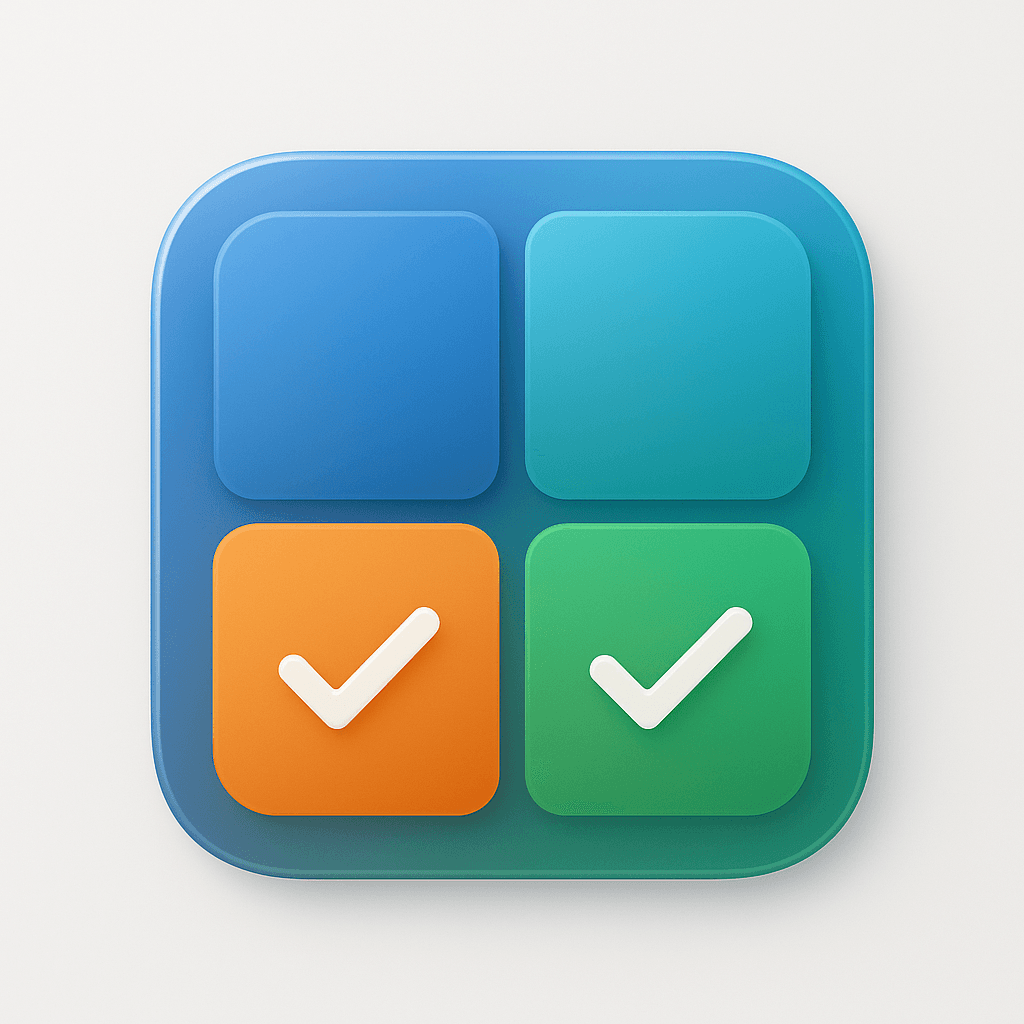
Focus Matrix takes a fundamentally different approach. Instead of a list, your tasks live in an Eisenhower Matrix — a four-quadrant grid organized by urgency and importance. Every task you create gets placed in a quadrant, so you always know what to do next and why.
Strengths:
- Built around the Eisenhower Matrix — prioritization is the core experience, not an afterthought
- Visual grid interface makes it immediately clear what's urgent, what's important, and what can wait
- Drag-and-drop between quadrants as priorities shift
- Recurring tasks (Pro) automate repeating priorities
- Cloud sync and insights analytics in the Pro tier
- Available on iOS, Android, and web — same experience across platforms
- Generous free tier covers the full matrix and unlimited tasks
Limitations:
- Not a general-purpose project management tool — it's focused on personal prioritization
- No built-in collaboration features (it's a personal productivity tool)
- Fewer third-party integrations than Todoist or TickTick
- The framework requires a slight mindset shift if you're used to flat lists
Best for: Anyone whose core productivity problem is prioritization rather than task capture. If you've tried list-based apps and still feel overwhelmed, the matrix approach offers a different — and often more effective — way of thinking about your tasks.
Comparison Table
| Feature | Todoist | Things 3 | MS To Do | TickTick | Google Tasks | Focus Matrix |
|---|---|---|---|---|---|---|
| iOS | Yes | Yes | Yes | Yes | Yes | Yes |
| Android | Yes | No | Yes | Yes | Yes | Yes |
| Web | Yes | No | Yes | Yes | Gmail only | Yes |
| Free tier | Limited | N/A | Full | Limited | Full | Full |
| Prioritization framework | Manual labels | Manual ordering | Star only | Matrix (premium) | None | Eisenhower Matrix |
| Recurring tasks | Yes | Yes | Basic | Yes | Basic | Pro |
| Collaboration | Yes | No | Yes | Yes | No | No |
| Integrations | Extensive | Limited | Microsoft only | Moderate | Google only | Limited |
Which App Should You Choose?
The right app depends on your primary problem.
If you need a powerful, universal task list: Todoist. It's the most mature, most integrated, and most versatile list-based task manager available.
If you're all-in on Apple and value design: Things 3. Nothing else looks or feels this good on iOS and Mac.
If you want free and simple: Microsoft To Do for Microsoft users, Google Tasks for Google users.
If you want everything in one app: TickTick. Calendar, habits, timers, and tasks in a single tool.
If your real problem is knowing what to work on next: Focus Matrix. A list doesn't tell you what matters — a matrix does. If you've tried list apps and still feel overwhelmed by your tasks, the Eisenhower Matrix approach might be the paradigm shift you need.
You can try Focus Matrix for free on iOS, Android, or the web at focusmatrix.app. The free tier includes the full Eisenhower Matrix, unlimited tasks, and all four quadrants — no credit card required.